Licenses
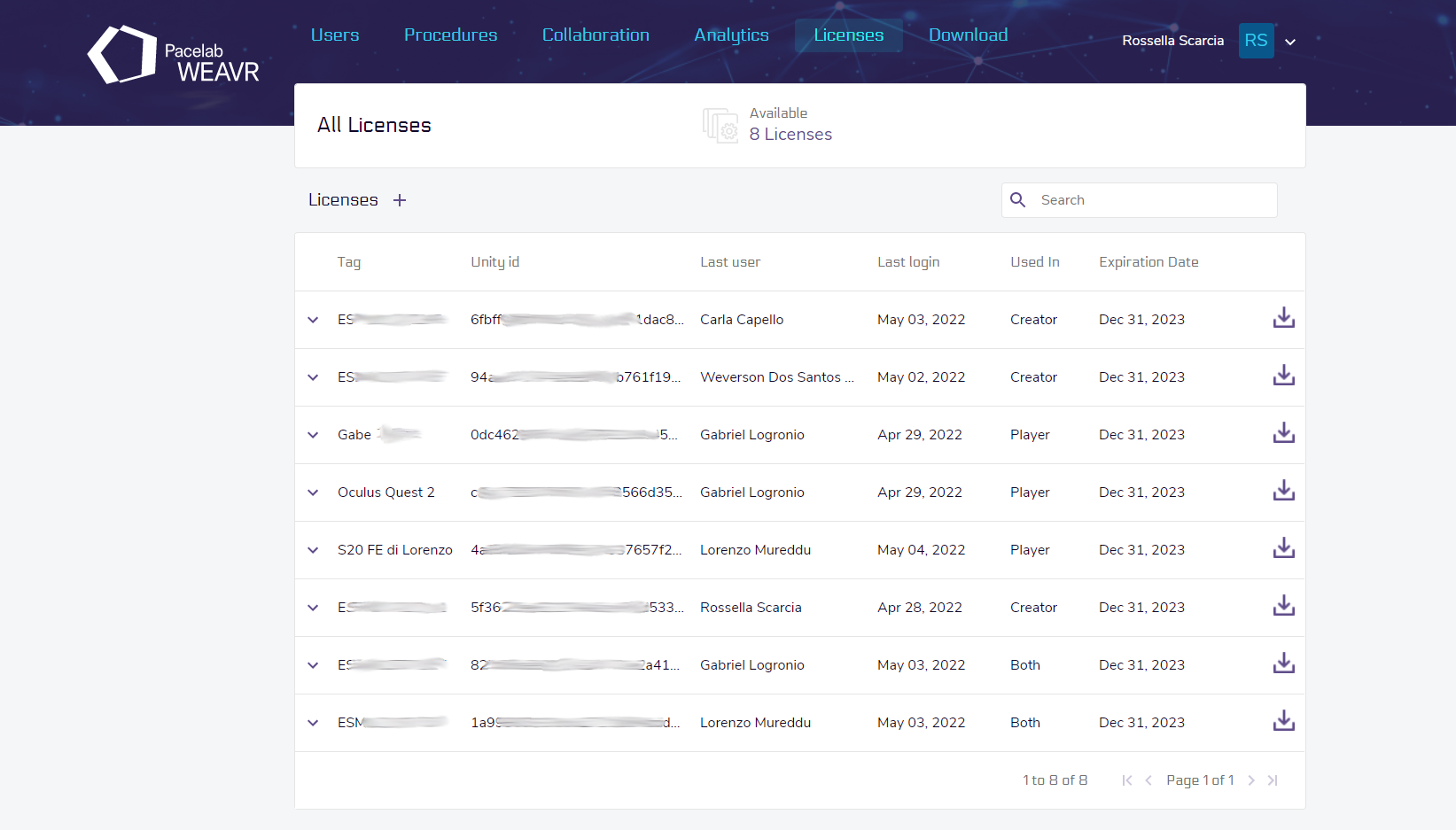
On this page you can manage the available licenses. Various information are available for each license, including the expiration date and whether it is used for the Creator, Player, or both.
Offline License Activation (Creator)
If you need to activate a Creator offline license, copy the Unity ID provided in the Welcome window, click on the [+], enter a meaningful tag and the Unity ID to generate the license. Now click on the button to download the license, go back to your Unity project, go to WEAVR > Licensing > Load Editor License and select the license you just created.