Virtual Reality
To start using the VR Player, launch the application from your PC, then log in with your headset.
VR Login
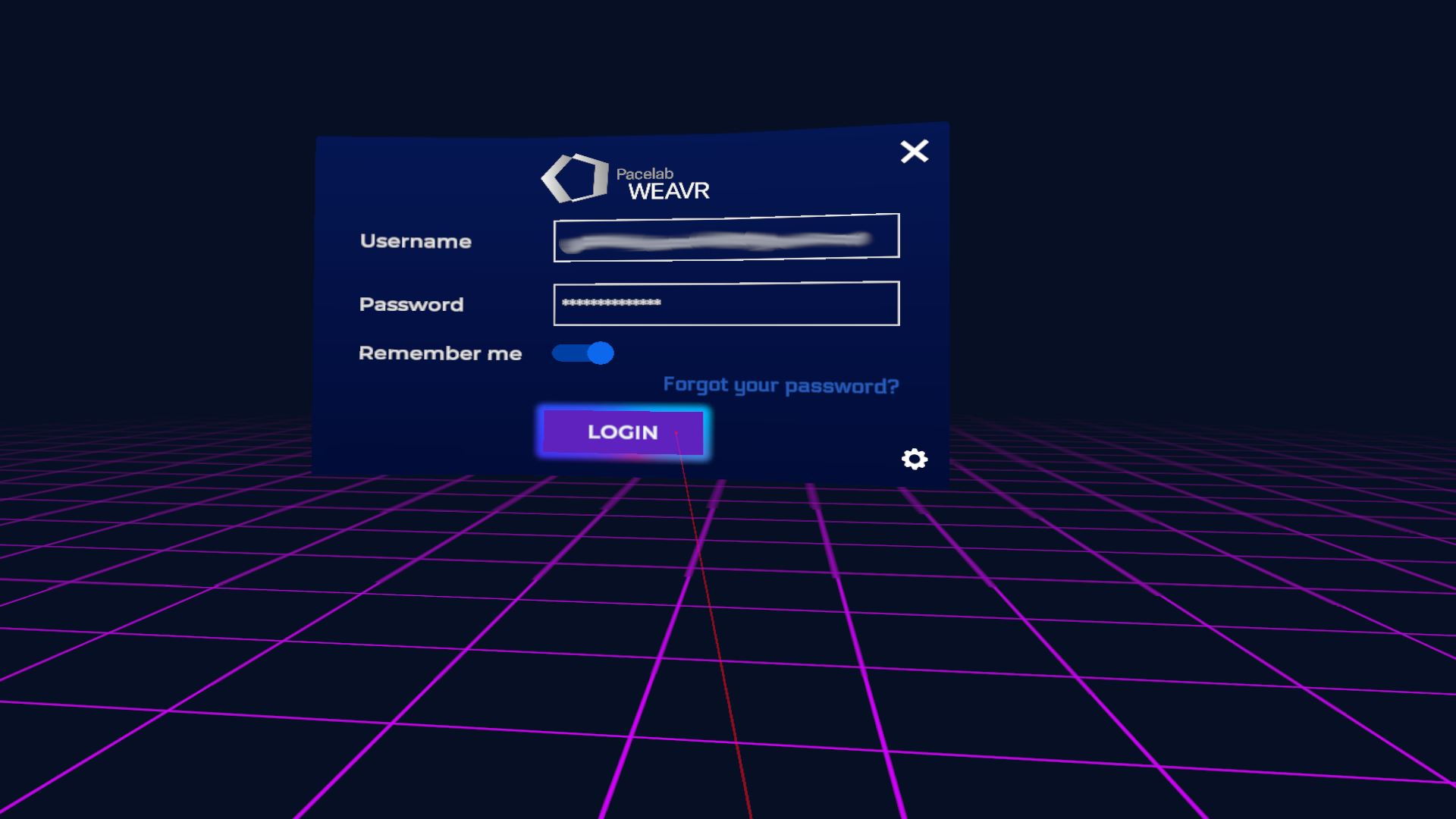
If the log-in is successful, you'll see the Library Page with all the procedures assigned to you.
VR Library Page
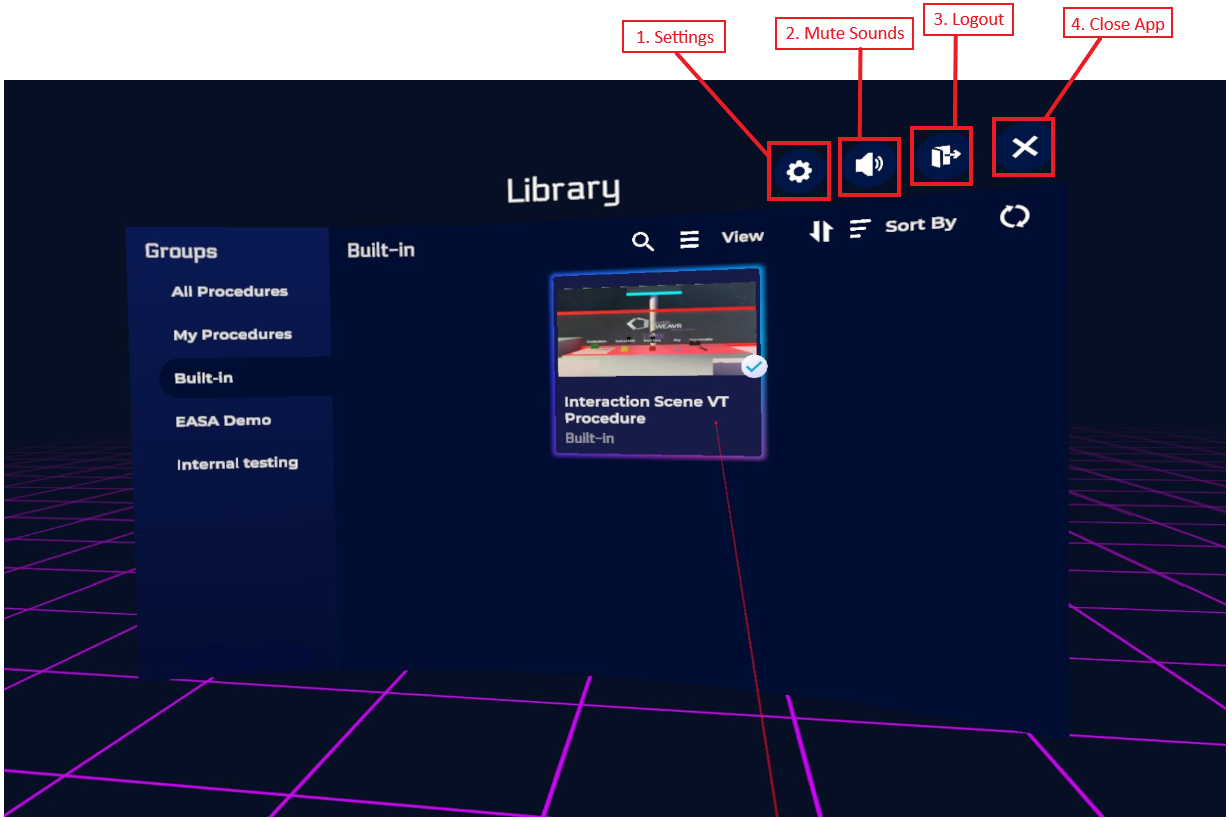
From here you can launch your procedure.
VR Controls
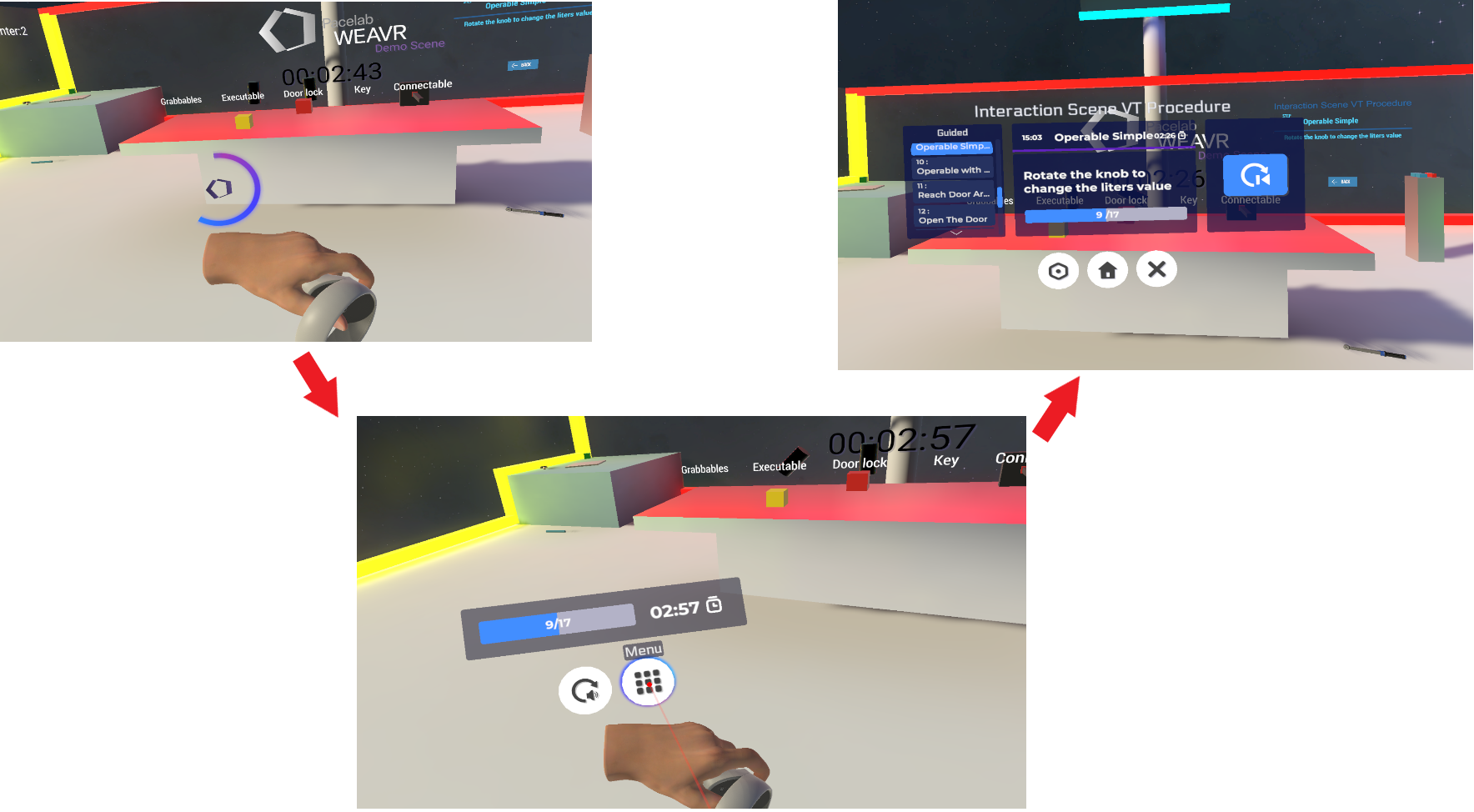
Once you are inside your VT procedure, use the following commands to interact and move: use thumbstick to teleport, the right and left triggers to interact with the objects. Hold the left trigger — a loading circle will appear. A menu will show up in which you can repeat steps, restart the procedure, return to the Library page, etc.