Import WEAVR
After registering on the WEAVR Manager, on the download page you can find and download the WEAVR Creator.
Create a Unity project with URP installed, then:
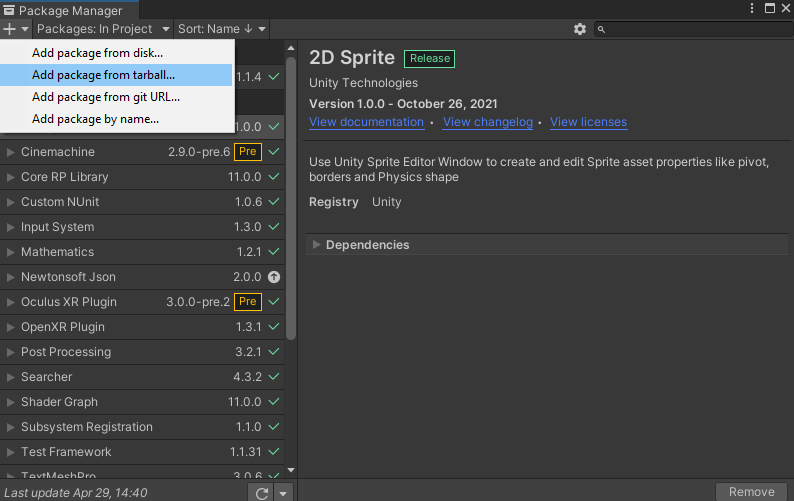
- Go to Window > Package Manager
- Click on "Add Package from tarball..."
- Search for the WEAVR Creator you downloaded and import it
During installation you'll see this warning:

Click Yes — Unity will restart and complete the installation.
Intro
At the end of the import, go to WEAVR > Intro to activate your WEAVR License.

First, you need to activate the creator — you must log in with the credentials used during registration on the WEAVR Manager.
In case it is not possible to access the internet, you can activate the license via Unity ID as explained in the License paragraph.
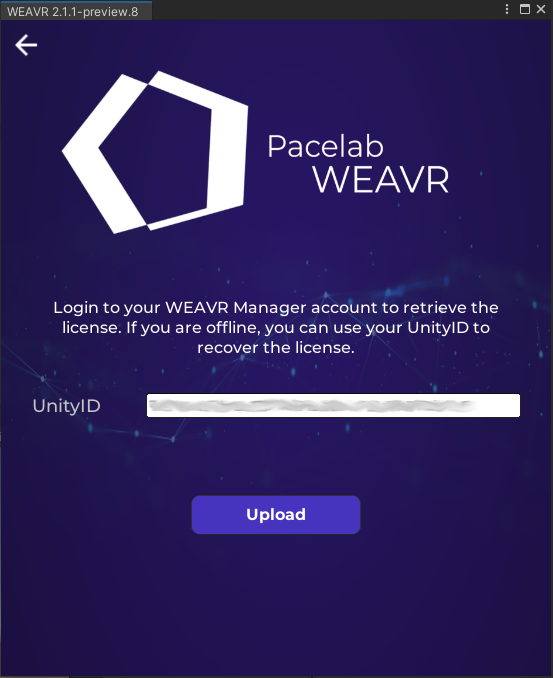
If the license has been activated successfully, you will be taken to the WEAVR Intro page: from here you can check the expiration date of your license.
Warnings and Errors may occur while using WEAVR. For more details, consult the KNOWN ISSUES document inside the main folder of WEAVR.